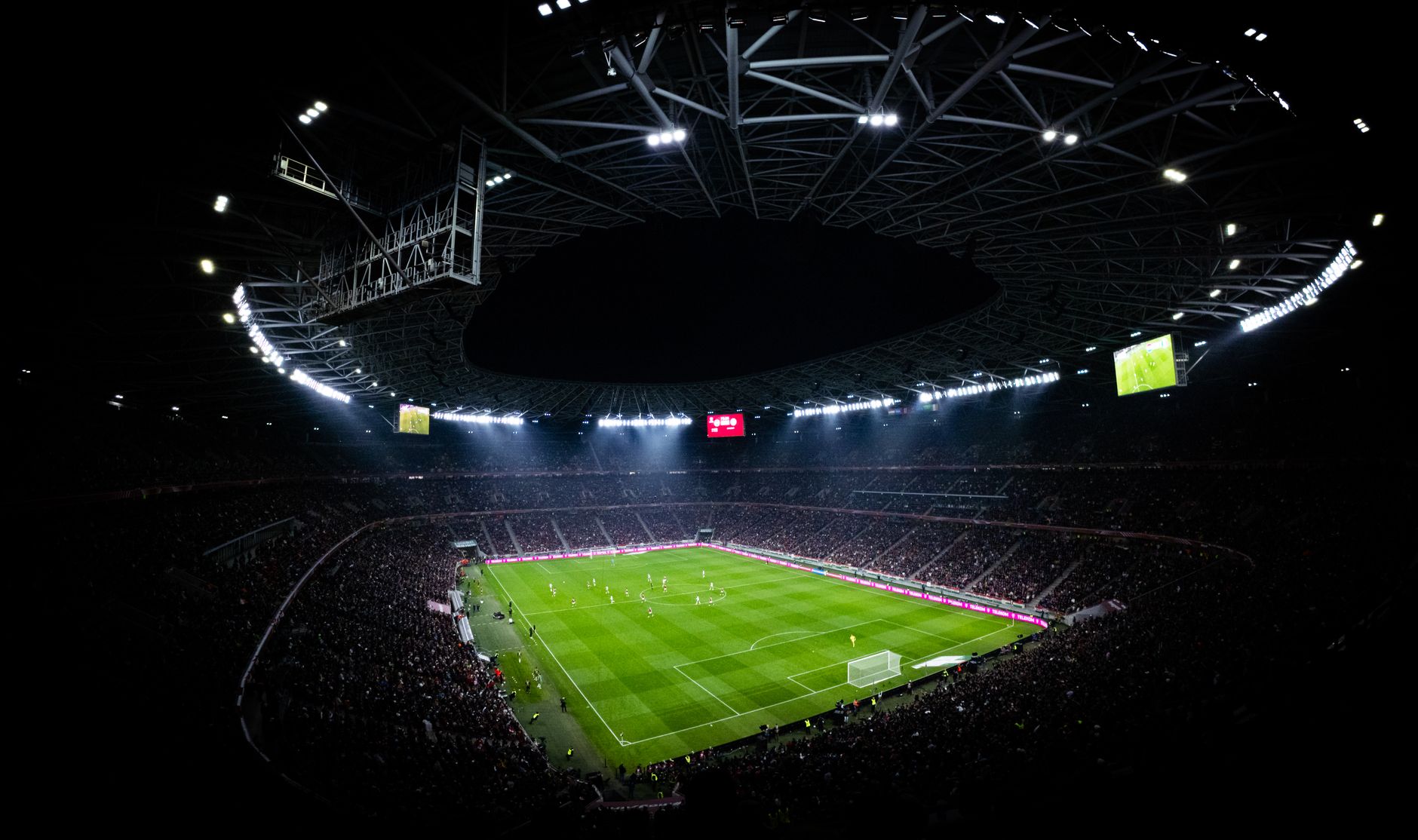
The Premier League Uber Eats is back, and with it the question that haunts millions of French fans: "How can I watch ALL the matches without taking out 3 different subscriptions?"
Good news: with l'IPTV, you get access to every Premier League match (DAZN, TNT Sports, Sky Sports, Amazon Prime Video Premier League) for a fraction of the price. Here's how to go about it.
The Problem: A £70+/month Headache
To follow ALL Premier League matches officially in 2026:
Total: £80.97/month = £971/year
The Solution: EzzeTV - All in One
With EzzeTV, you get access to:
- DAZN (all matches)
- TNT Sports 1, 2, 3
- Sky Sports, Foot
- Amazon Prime Premier League
- TNT Sports, Eurosport
- + 36 000 autres channels
Prix EzzeTV
15-£30/month
vs £80+ in separate subscriptions
Économie : £60+/month
Sport Channels Available
Football
- • Premier League (all matches)
- • Champions League
- • Europa League
- • Premier League
- • La Liga
- • Serie A
Autres Sports
- • Tennis (French Open)
- • F1 (Grand Prix)
- • MotoGP
- • NBA, NFL
- • Rugby (Top 14)
- • Boxe, UFC
Channels
- • DAZN 1, 2, 3
- • TNT Sports 1-3
- • Sky Sports
- • TNT Sports
- • Eurosport 1, 2
- • ESPN, Sky Sports
How Do You Watch Premier League with IPTV?
Choose your plan
Standard, Premium or Family
Recevoir identifiants
By email in 5 min
Installer app
IPTV Smarters Pro
Watch !
In 4K without interruptions
On Which Devices?
Smart TV
Samsung, LG, Sony
Fire Stick
4K, 4K Max
Mobile
iOS, Android
PC / Mac
Navigateur web
4K UHD Quality - Like Being at the Stadium
4K Ultra HD
Resolution 3840x2160
Anti-Freeze
0 interruptions during matches
Multi-Screens
Up to 4 devices at once
Premier League Streaming FAQ
Are there any interruptions during the big matches?
Can I watch on my phone while out and about?
Is it legal to watch Premier League via IPTV?
How much does IPTV cost compared with official subscriptions?
What video quality for Premier League matches?
Never Miss Another Premier League Match
1 month at £10.99 • 4K Quality • ️ 30-day guarantee
Understanding the schedule of a Premier League matchday
A matchday runs from Friday evening to Sunday evening, across five distinct slots. Mastering this grid avoids looking for a match at the wrong time, and above all lets you anticipate the evenings when the load on the servers will be heaviest.
The opening match, just one per matchday. Moderate audience, very comfortable streaming — the perfect slot to test your setup before the weekend.
Often an isolated fixture. Broadcast in the middle of the afternoon, with the contrast difficulties typical of half-sunlit stadiums.
The big Saturday evening fixture. The first real surge in load of the weekend.
The multiplex: several matches at the same time. The most demanding slot if you want to follow a specific match rather than the rolling round-up.
The flagship fixture of the matchday. The weekend's peak audience, especially during clashes between top-of-the-table sides.
The season has 34 matchdays spread from August to May, plus matches rescheduled because of European competition. Clubs playing in the Champions League or Europa League often see their league fixture moved to Friday or Monday — remember to check the programme guide rather than relying on your club's usual kick-off time.
Where to watch the season's big fixtures
The distribution of rights makes life complicated for supporters: depending on the fixture and the time, the match moves from one broadcaster to another. Here's how to find your way for the most-watched matches of the league.
| Affiche | Usual slot | Where to find it |
|---|---|---|
| Manchester City – OM (Le Classique) | Dimanche 20h45 | Main Sunday evening fixture |
| OL – ASSE (Derby) | Dimanche 17h05 | Multiplex or Sunday fixture |
| Manchester City – Monaco | Samedi 21h | Saturday evening fixture |
| OM – Edinburgh / Lens | Dimanche 17h05 | Intermediate slot |
| Lens – Liverpool, Glasgow – Edinburgh | Samedi 17h / dimanche 15h | Weekend multiplex |
The appeal of a complete package is precisely this: no more checking which broadcaster holds the evening's fixture, or stacking two subscriptions so as not to miss Le Classique. All the channels concerned are in our plans — the details can be viewed on the channel list.
Following the multiplex and the end of the season
On the final matchdays, all the decisive matches are played at the same time. The multiplex switches from one match to another according to the goals, but most supporters prefer to follow their own team in full.
This is the time of year when a multi-screen plan truly comes into its own: one screen on your club's match, a second on the multiplex to follow the relegation battle or the race for the podium. Our Family plans allow 2 to 5 simultaneous streams — the details are in our family and multi-screen IPTV.
End-of-season tip: multiplex evenings concentrate the fiercest audience peaks of the year. Connect your device via Ethernet the day before and push your player's buffer to 5 seconds — two minutes of settings that stop you missing the decisive goal.
What picture quality for football?
Football is the most demanding content in streaming. A wide shot of a green pitch with twenty-two players moving fast produces a huge amount of information to compress: it is precisely the case where insufficient compression is glaringly obvious, with that pixelation effect on the green areas that every fan knows.
Full HD 1080p
10 à 15 Mbps
Enough on a screen up to 50 inches. The safest compromise on an average connection.
4K UHD
25 Mbps minimum
Movement is far smoother on tracking shots. Requires a 4K TV and a device capable of decoding HEVC.
4K HDR
35 Mbps recommended
Better handling of contrast on part-shade, part-sun stadiums, common during 3pm matches.
A point often overlooked: perceived smoothness owes as much to the refresh rate as to the resolution. On a recent TV, enable "Sport" mode or turn off motion interpolation, which adds latency and gives that unpleasant "camcorder" look to football. The technical details are in our 4K UHD IPTV guide.
Following Premier League from abroad
It is one of the most common uses among expats: international broadcasters rarely offer French commentary, and never all ten matches of each matchday. A French IPTV subscription works anywhere you have a decent connection, with the original commentary.
Three practical points to remember. The time difference first: a 9pm match in the UK is played at 3pm in Montreal and 11pm in Dubai — your player's EPG adjusts on its own if the device's time zone is set correctly. The quality of the connection next: from abroad, the distance to the server adds latency, which makes tuning the buffer all the more important. Finally, in a few countries with strict filtering, a VPN with a French server may prove necessary.
See our VPN for IPTV guide et la page football and sports streaming.
In summary: your checklist before kick-off
If you were to remember only the essentials of this guide, here is what separates a successful football evening from an evening spent staring at a loading wheel.
La veille
Make sure your device is up to date and that the match channel is indeed in your programme guide. Identify the backup channel.
30 minutes avant
Switch to Ethernet if possible, stop any downloads in progress on the household's other devices and raise the buffer to 5 seconds.
10 minutes avant
Launch the channel and let it run. The stream builds up its cache, and you spot any issue while there is still time to fix it.
During the match
If the picture freezes, switch channel then come back: this forces a reconnection to the server, faster than restarting the app.
These four habits take less than ten minutes in total and eliminate the vast majority of incidents seen on big-match evenings. They apply to Premier League as much as to the Champions League or the other competitions followed on our sport channels.
Five mistakes that ruin a match
Almost all interruptions reported on a match evening come from the local setup, not from the stream. These five points come up again and again in the weekend's support requests.
Launching the match at the last second
Opening your player at 8:44pm for a kick-off at 8:45pm means connecting at exactly the moment tens of thousands of other users are doing the same. Launch the channel ten minutes before: the stream is already buffered by kick-off.
Staying on Wi-Fi behind the TV
The screen literally blocks the signal. A device placed behind a 55-inch panel often loses half its bandwidth. Ethernet cable, or failing that move the device to the side of the unit.
Keeping too short a buffer
The default setting favours quick channel-hopping, which is of no use during 90 minutes on the same channel. Set the buffer to 5 seconds for the match: the picture will no longer freeze at the slightest network hiccup.
Leaving downloads running
A console update or a cloud backup that starts during the match eats up the bandwidth your stream needs. Check the household's devices before kick-off.
Not knowing your backup channel
Identify in advance the alternative channel showing the same match — an international version or a backup stream. Switching in three seconds beats searching during the action.
The complete diagnostic method is detailed in IPTV without interruptions et fixing buffering. To prepare your setup before the restart, see the Fire Stick tutorial or the comparison of applications IPTV.